Raspberry Pi Homelab

Building a multi-purpose infrastructure for learning, storage, and security research

Overview

A comprehensive homelab environment built entirely on Raspberry Pi hardware, showcasing diverse applications from network storage and media streaming to retro gaming and security research. Each component serves a specific purpose while demonstrating different aspects of systems administration and hardware integration.

The Challenge

Instead of purchasing expensive commercial solutions or running resource-heavy servers, I wanted to build a cost-effective, modular homelab that could:

Infrastructure Overview

Hardware Foundation

  • Multiple Raspberry Pi 4 boards (equipped with 4GB RAM each)
  • Gigabit Network switch for local high-speed interconnection and VLAN segregation
  • High-speed peripherals (external SSDs, wireless network cards, wireless controllers)
  • Gigabit Ethernet backbone connecting primary devices for maximum data throughput

Core Services Running

OMV NAS Server RetroPie Emulator Console Isolated Security Sandbox

Systems Breakdown

System 1: Network Attached Storage (NAS)

Storage & Backups

Purpose

To establish centralized, secure file storage and robust media streaming accessible across all devices connected to the local network.

Technical Implementation

  • Storage Platform: 1TB Crucial High-Speed SSD
  • Operating System: Raspberry Pi OS running OpenMediaVault (OMV)
  • Protocols: Samba (SMB) for cross-platform devices, NFS for specialized Linux transfers
  • Primary Reference: NetworkChuck's OMV tutorial

Key Features

  • OpenMediaVault browser-based dashboard management
  • Multi-device access (Windows, macOS, Linux, and Mobile)
  • Automated backup scripts using custom rsync configurations
  • Lightweight local media streaming server
Challenge Solved: External Power Limitations

Initially, I connected a 1TB external HDD, but the mechanical drive failed to spin up reliably due to power supply fluctuations from the Pi's USB ports. I resolved this by migrating to a 1TB Crucial solid-state drive (SSD), which significantly lowered the power draw and yielded faster read/write speeds for network file transfers.
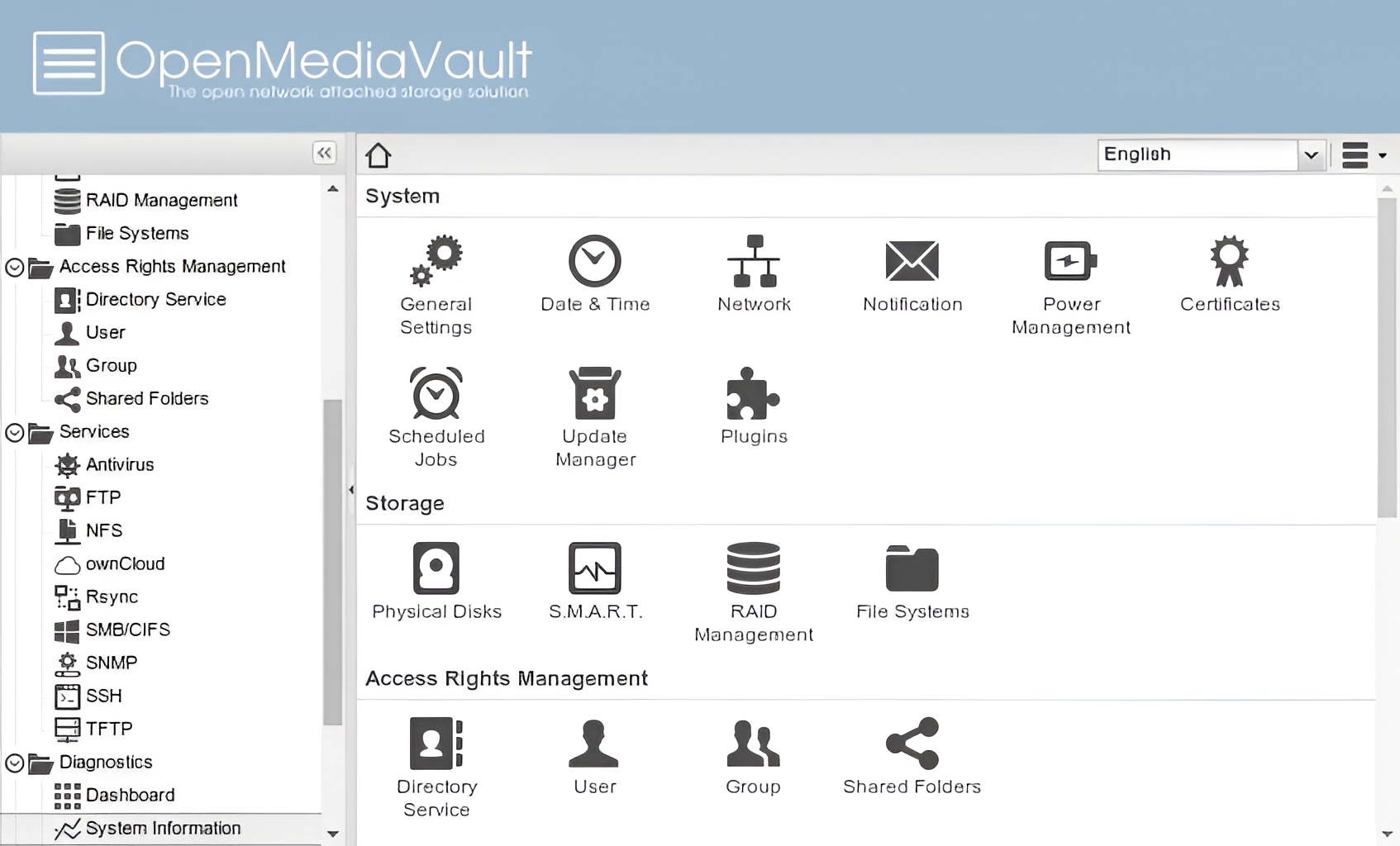
NAS Server Setup

System 2: RetroPi Gaming Console

Emulation & Gaming

Purpose

A dedicated retro gaming emulation platform built to preserve and play console games spanning multiple generations.

Technical Implementation

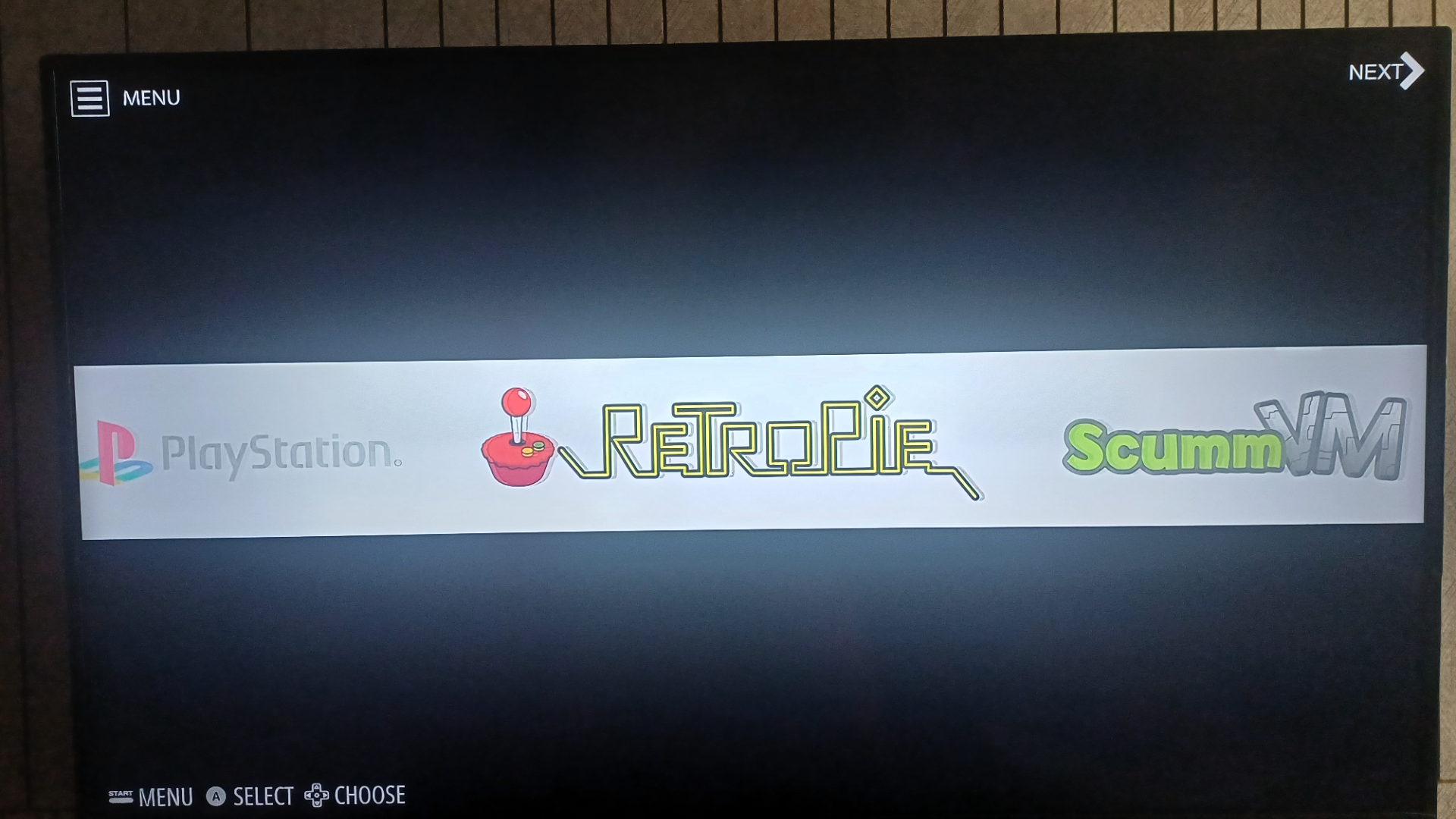
  • Software: RetroPie distribution paired with the EmulationStation graphical frontend
  • Emulators: Configured RetroArch emulation cores (NES, SNES, Genesis, N64, PSX)
  • Controllers: Wireless Sony DualShock 4 controllers synced via Bluetooth
  • Primary Reference: NetworkChuck's RetroPie tutorial

Key Features

  • Multi-system emulation support across 10+ classic consoles
  • Beautiful, theme-supported UI displaying custom box art and metadata
  • Global game save states and custom fast-forward commands
  • Automatic controller discovery and pairing mapping
Challenge Solved: Input Remapping & Configurations

Several emulators lacked automatic mapping for controllers, forcing the system to rely on raw keyboard inputs. I mapped key layouts for each emulator manually, creating custom device controller mapping configs in the global RetroArch configuration file, eventually moving to full wireless gamepads.

RetroPie Gaming Setup

System 3: Network Security Lab

Security & Networking

Purpose

An isolated virtualized security lab built for ethical hacking, vulnerability analysis, and network packet capture exercises. Instilled network fundamentals and network administration practices via hands-on training.

Technical Implementation

  • Attacking Platform: Kali Linux ARM distribution running specialized testing tools
  • Targets: Intentionally vulnerable sandbox machines (DVWA, Metasploitable VMs)
  • Networking: Isolated local VLAN completely firewalled from production devices
  • Toolkit: nmap, Wireshark, Metasploit Framework, Burp Suite, Aircrack-ng
  • Primary Reference: Kali Linux on Raspberry Pi tutorial

Key Features & Completed Labs

  • ARP Spoofing attacks and network mapping mitigation labs
  • SQL Injection (SQLi) and Cross-Site Scripting (XSS) exploiting on DVWA
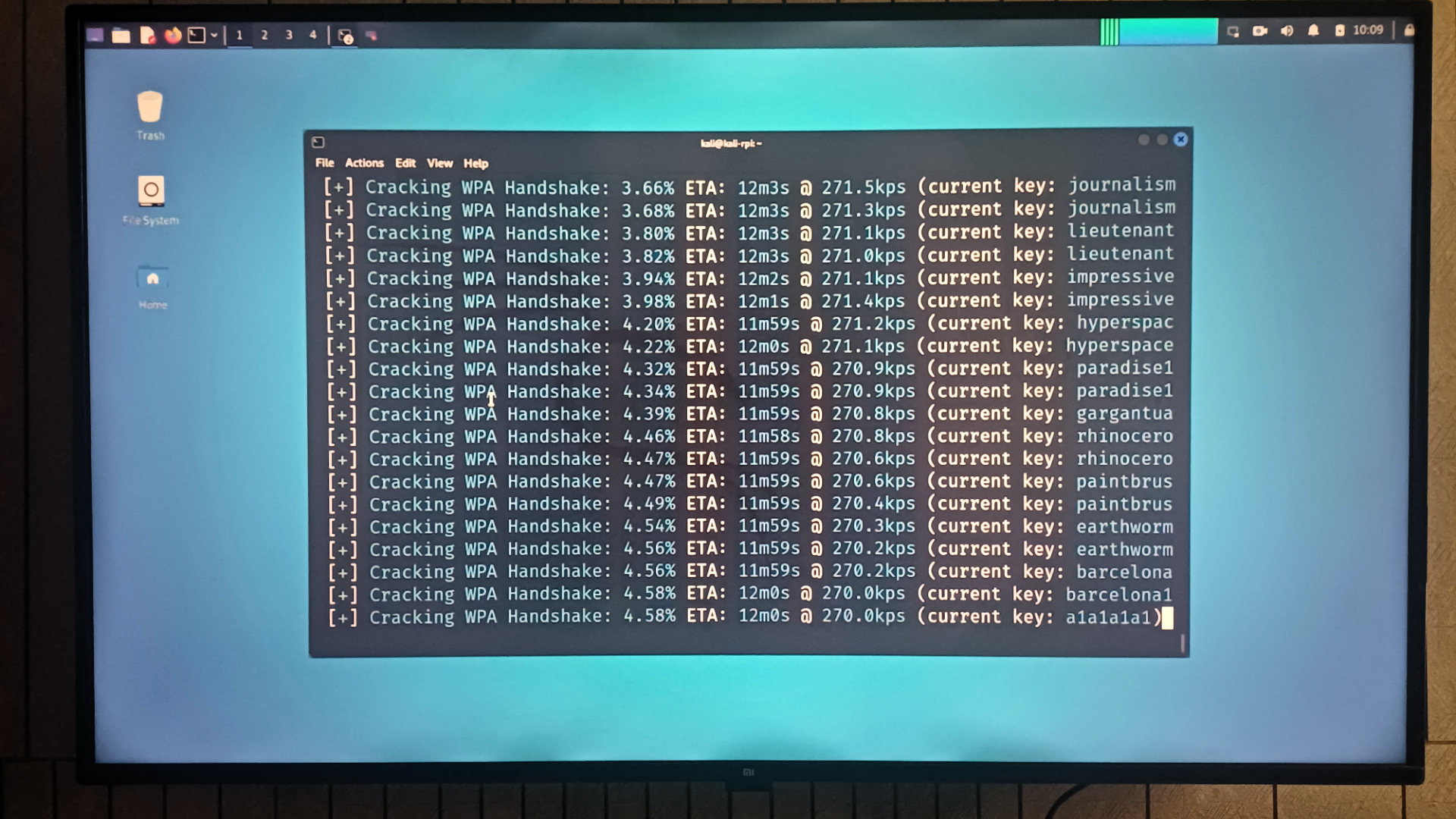
  • WiFi security auditing (capturing and analyzing WPA2 handshakes)
  • Broad system scanning, packet analysis, and threat modeling
Challenge Solved: Sandboxed VLAN Segregation

Ensuring attacking scripts did not bleed into the home production network required a custom router firewall configuration. I configured a dual-NIC network topology, routing isolated lab environments through separate VLAN subnets and enforcing strict iptables packet rules.

Kali Linux Security Lab

Skills Acquired

Technical Skills

  • Linux Systems Administration: systemd service scripts, user rights administration, config maintenance
  • Networking Fundamentals: IP Routing, packet sniffing, protocol inspection, SMB/NFS routing
  • Hardware Debugging: power requirement analysis, hardware selection, active and passive cooling
  • Security Principles: defensive security auditing, penetration methodologies, cryptographic hash analysis

Soft Skills

  • Reviewing extensive documentation and adapting systems to specific hardware targets
  • Troubleshooting unique hardware and configuration quirks through technical forums
  • System architecture planning, staging, and modular project assembly
  • Documentation drafting and project auditing

Future Expansions